






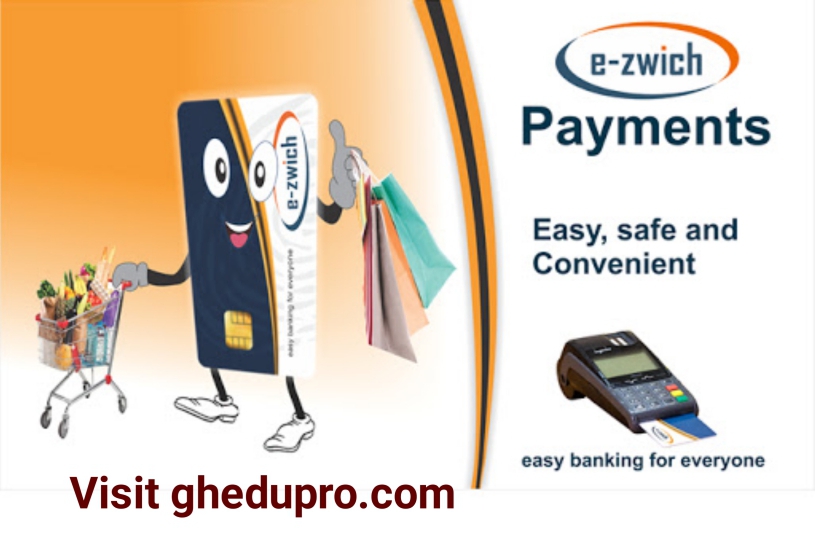
Many teacher trainees, especially Level 100 students, often visit our outlets asking one question: “How do I load my e-zwich card?”
Don’t worry. GH Edu Pro is here to guide you through the steps – it’s very simple!
What Is E-Zwich?
E-Zwich is a smart card used for receiving money, like your allowance, and you can also use it to withdraw or transfer funds.
How to Load Your E-Zwich Card
Loading your e-zwich card is not difficult at all. Just follow these easy steps:
- Take your E-Zwich card with you.
- Visit a nearby bank or E-Zwich agent.
Some mobile money vendors also have E-Zwich machines, so you can check with them. - Tell the person you want to load your E-Zwich card.
That’s it! The vendor will help you load the money onto your card.
Want to Withdraw After Loading?
If you already have money in your E-Zwich account, the person may ask:
“Do you want to withdraw?”
If you say yes, they will withdraw the money for you right there.
Note: They will do biometric verification (fingerprint scan) before you can load or withdraw. This is to make sure the card belongs to you.
Always keep your E-Zwich card safe and check your balance when you finish. If you’re not sure how to do something, don’t be shy – ask the person at the bank or vendor to explain it to you.
Gh Edu Pro is always here to help all teacher trainees stay informed. Share this with a friend who may need it!